
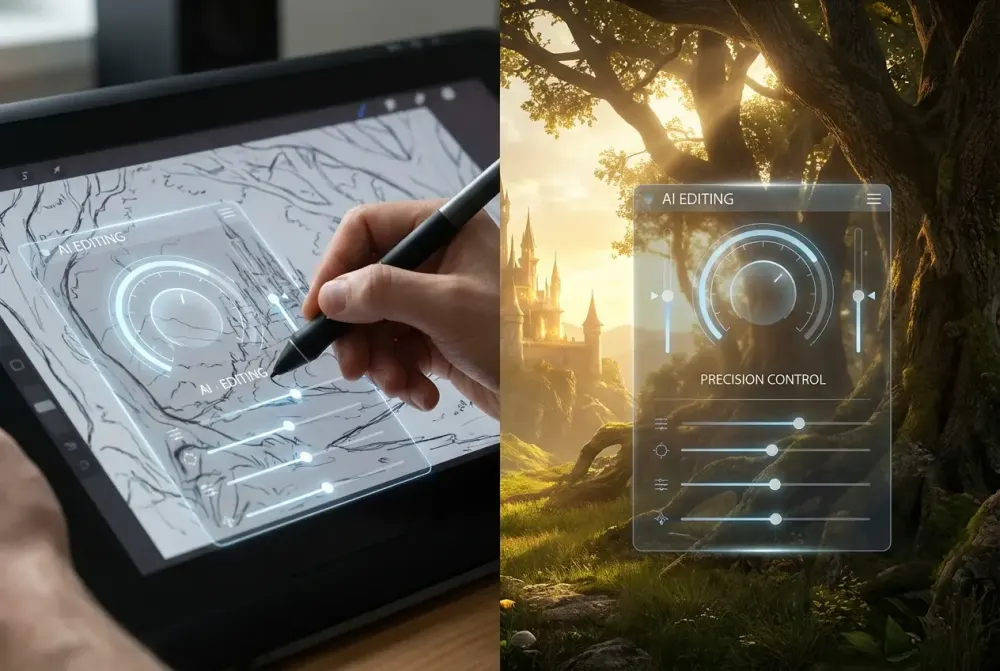
The best AI image model is the model that matches the task you are trying to complete. A model that performs well for realistic product photography may not be the best choice for readable poster text, reference-image consistency, rapid exploration, or detailed editing.
Instead of selecting a model by popularity alone, compare the capabilities that affect your final output.
Six factors to compare
| Factor | Why it matters |
|---|---|
| Prompt accuracy | Determines how closely the result follows subjects, layout, lighting, and constraints |
| Reference consistency | Matters when preserving a character, product, composition, or brand direction |
| Text rendering | Important for posters, packaging concepts, signs, and interface mockups |
| Visual style | Models may favor realism, illustration, cinematic scenes, or fast drafts |
| Output controls | Available ratios, resolutions, references, quality levels, and editing modes differ |
| Credit cost | Higher-cost models may not be necessary for early exploration |
Start with the output goal
Define the final use before choosing a model. Examples include:
- a product concept for an online store;
- a consistent character across several images;
- a social poster containing readable words;
- a realistic professional portrait;
- a fast set of composition ideas;
- an edit that must preserve most of the original image.
The output goal determines which model capability should receive the most weight.
Use a two-stage workflow
For many tasks, the most efficient process uses two stages:
- Explore with a lower-cost or faster model. Test prompts, framing, palette, and general direction.
- Refine with the model that best fits the final requirement. Increase quality, add references, or switch to a model with stronger text or editing behavior.
This prevents expensive generations from being used to solve basic prompt and composition problems.
Compare models with the same test prompt
When evaluating two models, keep the input as consistent as possible:
- use the same prompt;
- select the same aspect ratio;
- use the same reference image when both models support it;
- keep output count and quality comparable;
- evaluate multiple results rather than a single lucky or unlucky output.
Record whether each result followed the subject, composition, text, materials, and intended use. A repeatable test is more useful than judging isolated gallery examples.
Model choice by task
Product and brand concepts
Prioritize prompt accuracy, material rendering, controlled composition, and clean negative space. If packaging text matters, test text rendering separately before committing to a final workflow.
Character and portrait consistency
Prioritize reference-image support and identity consistency. Use a clear source image and avoid changing pose, lighting, clothing, camera, and background all at once.
Posters and images with text
Choose a model that explicitly supports stronger text rendering. Keep the requested words short, quote the exact text in the prompt, and leave enough visual space for it. For production design, generated text may still require correction in a design tool.
Fast visual exploration
Prioritize generation speed and credit efficiency. The goal is to compare directions, not to perfect every surface. Move to a higher-quality workflow after selecting the strongest concept.
Editing an existing image
Use an editing workflow rather than rebuilding the entire scene from text. State what should change and what must remain unchanged. Reference preservation is more important than broad style variety in this case.
Check the current interface
Model availability, supported resolutions, reference limits, output counts, and credit costs can change. The values shown in the MiraFrame AI Image Generator before submission are the current product values.
For better input prompts, use the structure in How to Write AI Image Prompts. For questions about rights and publication, read Commercial Use and Safety for AI-Generated Images.
Final selection checklist
Before generating, confirm:
- Which requirement matters most: accuracy, consistency, text, realism, speed, or cost?
- Does the model support the references and settings you need?
- Are you still exploring, or producing a final asset?
- Does the expected credit cost match the value of this iteration?
- Have you tested the model with a prompt representative of the real task?
A deliberate model choice reduces unnecessary generations and makes prompt refinement easier to evaluate.