
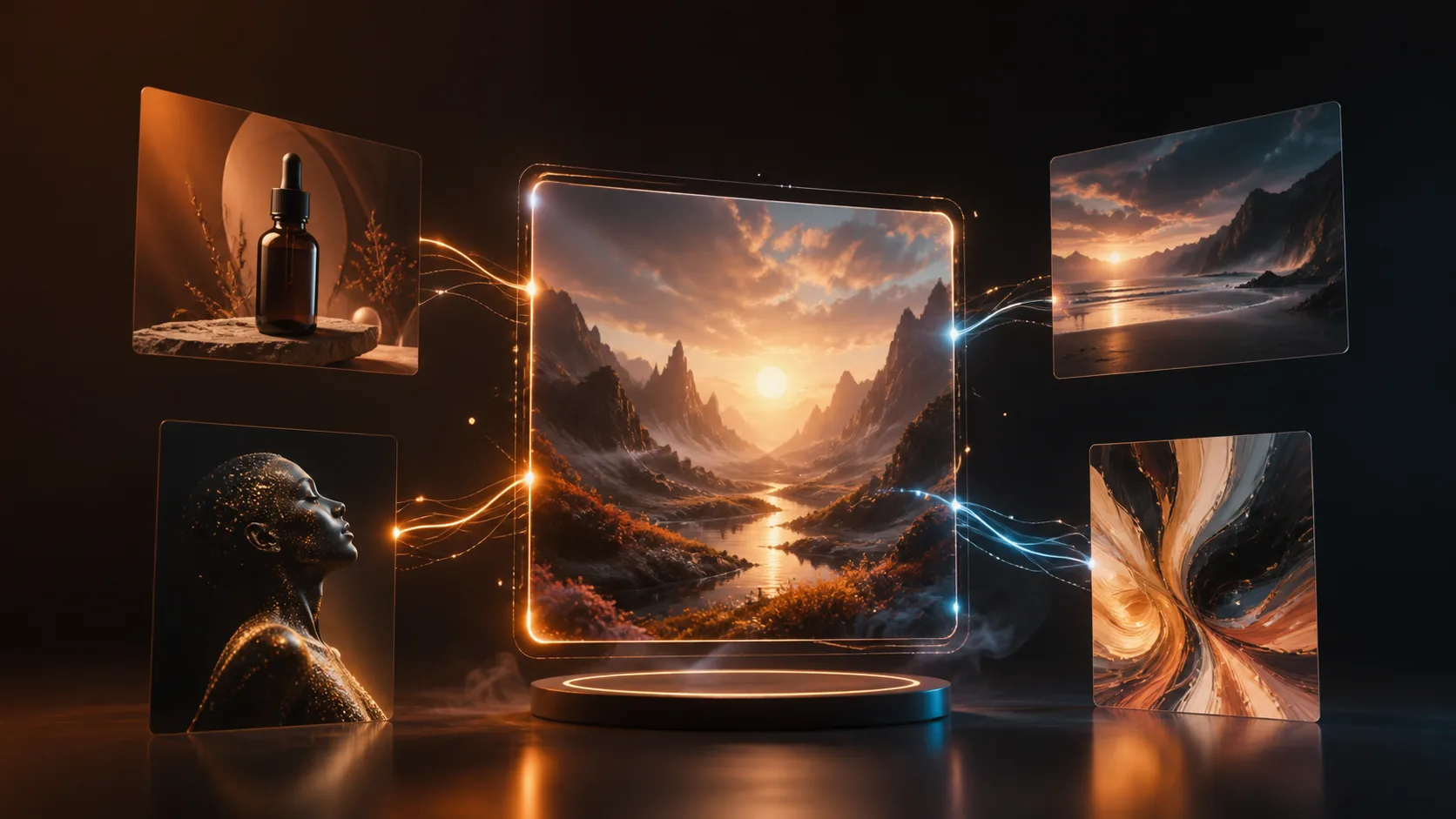
The best AI image generator in 2026 is not simply the model with the most attention. It is the workflow that helps you move from an idea to a usable result: choosing the right model, working from a reference when needed, refining the image, and adapting the final visual for its destination.
For a one-off experiment, a standalone generator can be enough. For recurring marketing, product, social, or creative work, the useful question is broader: can the tool help you explore, edit, iterate, and create video without repeatedly moving files between disconnected products?

What to compare before choosing an AI image generator
Start with the task rather than a model name. The following capabilities have the largest effect on whether a result is usable.
| Capability | Why it matters |
|---|---|
| Prompt control | Helps the output follow your subject, composition, visual direction, and constraints. |
| Reference-image consistency | Important when you need to retain a product, character, brand direction, or source composition. |
| Text and layout | Useful for posters, packaging concepts, campaign visuals, and images that need deliberate negative space. |
| Editing workflow | Lets you remove backgrounds, change a style, extend an image, or refine a result without restarting. |
| Video creation | Useful when a strong still needs to become a short social or product clip. |
| Cost and speed | Faster, lower-cost models are often better for exploration; higher-fidelity models fit final assets. |
A practical way to use AI image models
Different models have different strengths. Instead of forcing one model to handle every task, use a two-stage workflow:
- Explore with a fast model to test subject, framing, palette, and visual direction.
- Refine the strongest direction with a model that better matches the final need—such as cleaner product visuals, stronger reference handling, or more accurate text.
This makes creative iteration faster and prevents expensive generations from being spent on early prompt discovery.

Why MiraFrame is a strong choice for an end-to-end workflow
MiraFrame brings multiple AI image and video directions into one workspace. Rather than presenting a single black-box generator, it helps you choose an approach based on the output you need.
With MiraFrame, you can:
- generate image concepts from a text prompt;
- use reference images for product, character, and style direction;
- compare model options for different creative goals;
- move from image generation into image editing and background removal;
- turn a visual direction into an AI video workflow;
- start from reusable image templates when you need a faster first draft;
- browse Inspiration examples, then reuse a prompt as a starting point.

Which MiraFrame workflow should you start with?
Fast concepts and prompt exploration
Use MiraFrame Basic when you want to rapidly test ideas, compositions, or campaign directions. It is a practical starting point for early exploration before committing to a detailed final output.
Reference-led image creation
When an uploaded image, product, or visual direction matters, start with a reference-aware image workflow. Keep the first prompt focused: describe what must stay consistent, then specify only the new scene, lighting, or styling you want to explore.
Posters, products, and polished campaign visuals
For final-facing visuals, define the use case in the prompt: requested aspect ratio, composition, product material, lighting, and where any headline space should appear. Use a higher-fidelity model only after the general direction is correct.
Editing an image instead of recreating it
Use the AI Image Editor when the starting image already contains the right subject or product. Editing is often more efficient than recreating a result from a new prompt—especially for background cleanup, style changes, or format variations.
Creating a short motion asset
If a still image has already established the visual direction, continue with AI Video rather than beginning the campaign from scratch. A clear source image and a concise motion instruction usually produce a more controlled starting point.
A repeatable prompt for better outputs
Use this structure when generating an image:
[subject] in [scene], composed as [camera/framing], lit by [lighting], using [palette], in [visual style], created for [output goal].
For example:
A matte glass skincare bottle on warm limestone, photographed at eye level with clean negative space on the left, soft sunset rim light, amber and cream palette, premium editorial product photography, created for a vertical social campaign.
You can paste this directly into MiraFrame AI Images, then iterate on the subject, composition, or style one variable at a time.
The best generator is the one that fits the full job
Choose a standalone tool when you only need a single image quickly. Choose a creative workspace when your work needs iteration, references, editing, templates, and video in one place.
MiraFrame is built for that broader workflow: from the first prompt to image refinement, short-form video, and reusable visual directions. Start creating with MiraFrame or explore ready-made ideas in Inspiration.