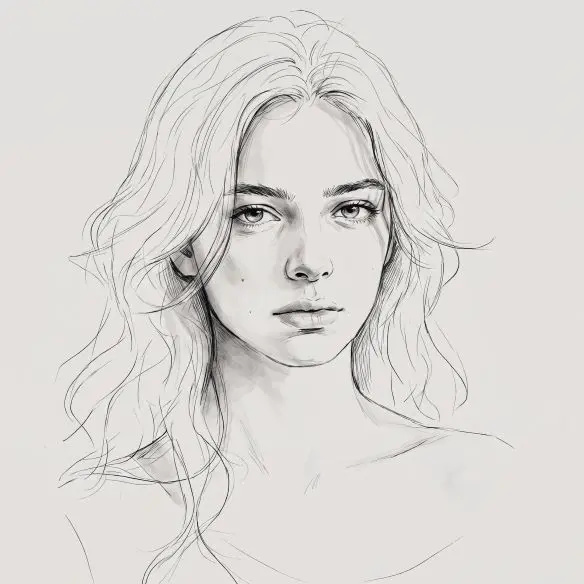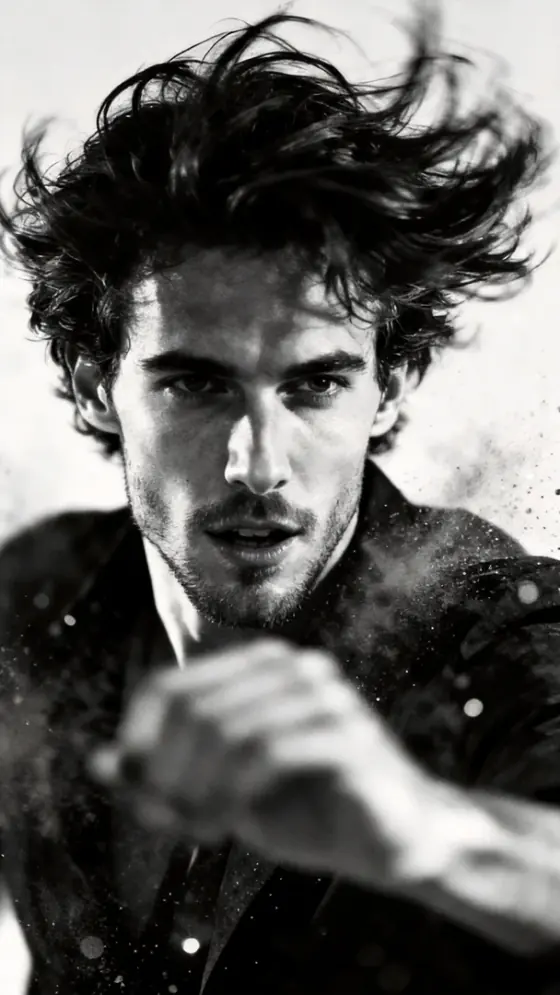
MiraFrame image template
AI Background People Remover
Foreground identity and composition remain untouched while background passersby are naturally removed.
Use this templateBest for
Travel photos, event shots, listings, and cleaner personal portraits.
What stays consistent
Foreground identity and composition remain untouched while background passersby are naturally removed.
Tip for a better result
Use a photo where the main subject is clearly separated from people in the background.
What this template helps you create
This template uses your uploaded image as the creative foundation. It preserves the subject's defining details while applying the AI Background People Remover look. For consistent results, use a clear, naturally lit reference with the complete subject visible.
How to use it
- 1. Upload a clear reference image.
- 2. Select this template in the workspace and add a concise creative direction if needed.
- 3. Generate, review the subject and composition, then refine the strongest result.