MiraFrame image template
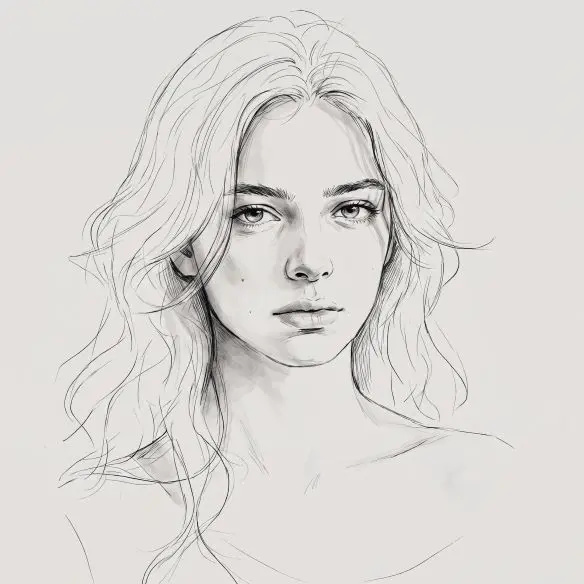
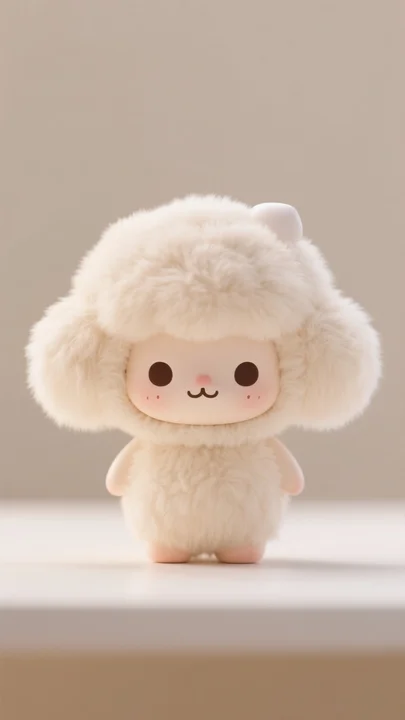
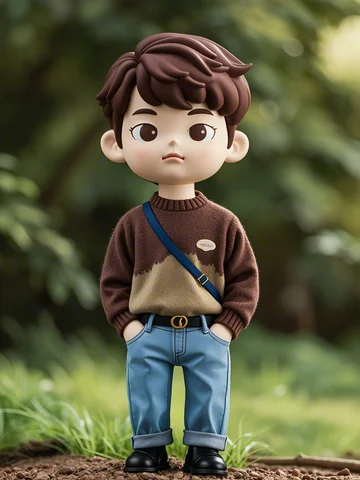
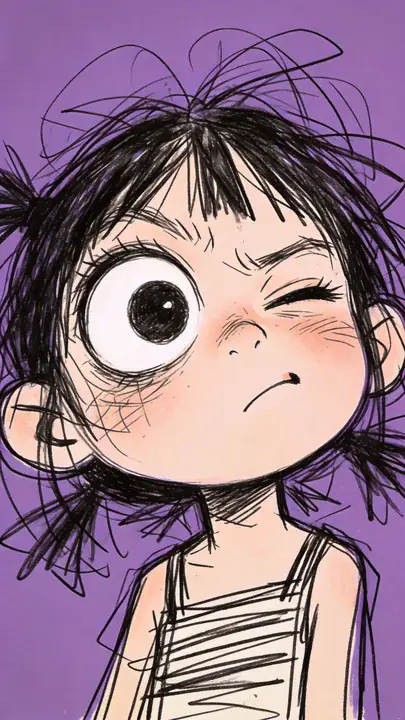
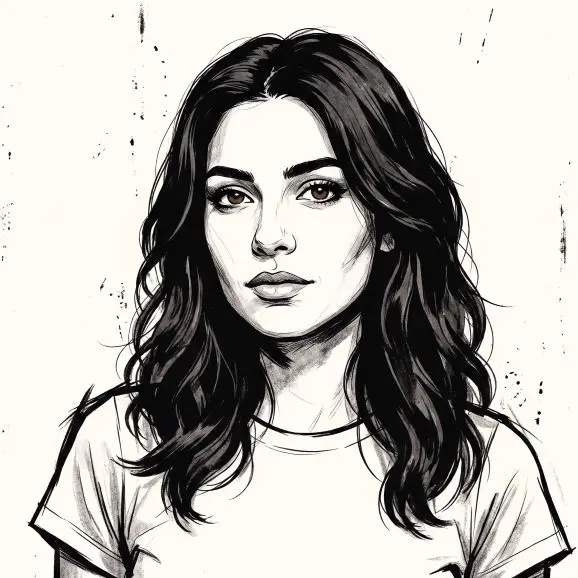
AI Ink Illustration Generator
The original subject is reinterpreted through textured ink, printmaking marks, and bold contrast.
Use this templateBest for
Graphic posters, album concepts, and high-contrast character artwork.
What stays consistent
The original subject is reinterpreted through textured ink, printmaking marks, and bold contrast.
Tip for a better result
Use a photo with a clear silhouette and uncluttered background for stronger graphic separation.
What this template helps you create
This template uses your uploaded image as the creative foundation. It preserves the subject's defining details while applying the AI Ink Illustration Generator look. For consistent results, use a clear, naturally lit reference with the complete subject visible.
How to use it
- 1. Upload a clear reference image.
- 2. Select this template in the workspace and add a concise creative direction if needed.
- 3. Generate, review the subject and composition, then refine the strongest result.