

AI generatedOriginal

GPT Image 2.5 Flare
Fast generation with a precise editing workflow
Use text-to-image without reference inputs, or switch to image-to-image to edit with up to 16 reference images.
01
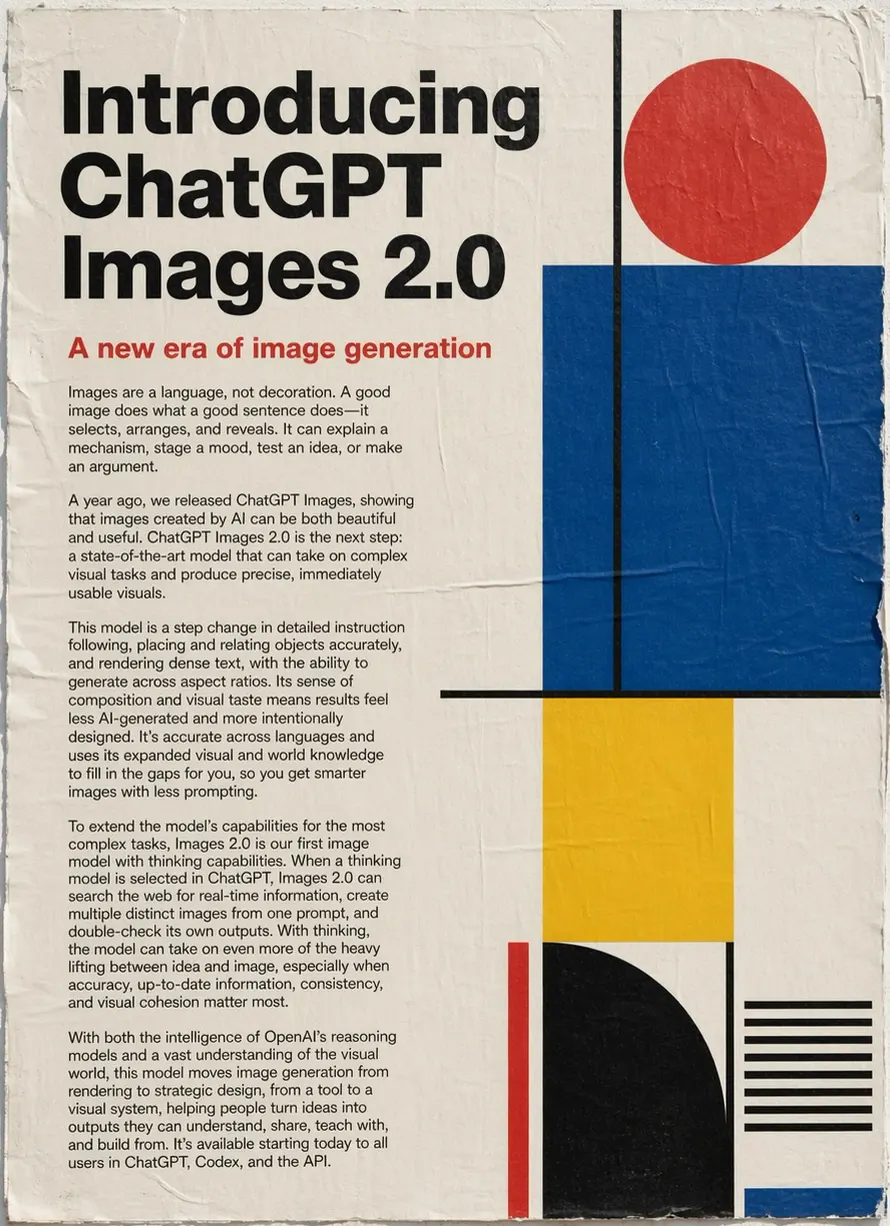
Prompt precision
Measure object counts, spatial relationships, materials, camera direction, and layout constraints.
02
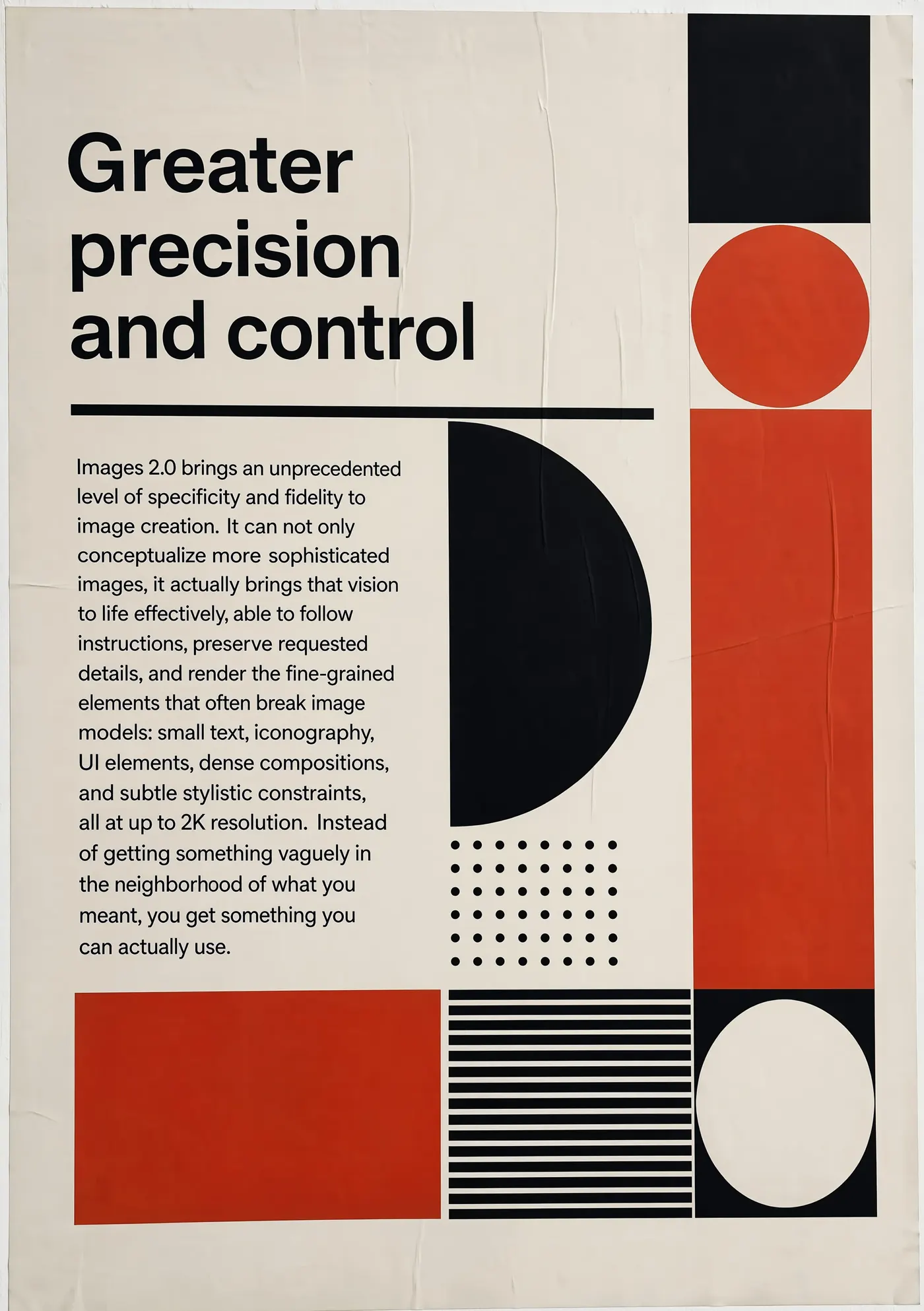
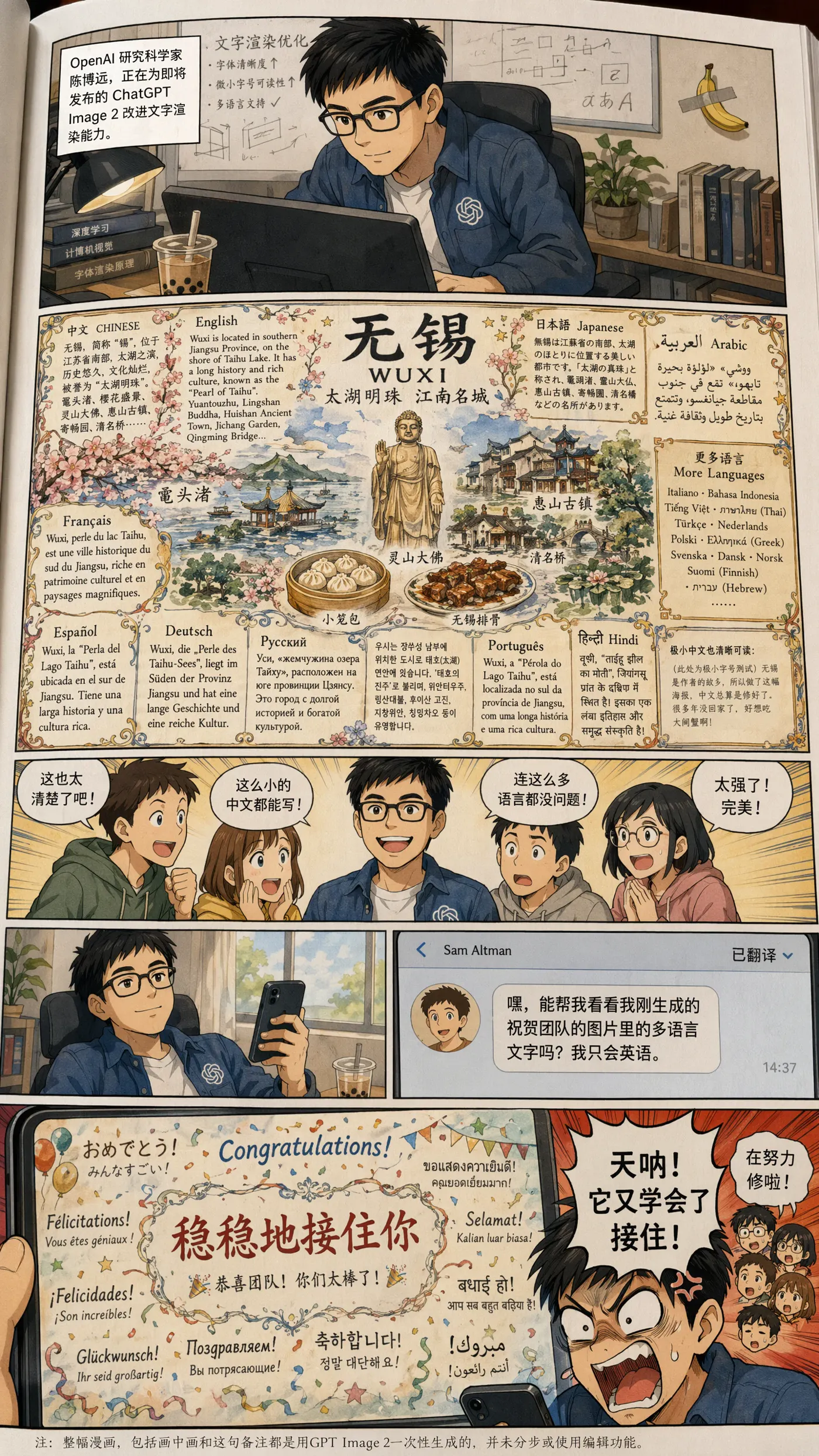
Text and product detail
Test exact headlines, labels, packaging geometry, reflections, and small type at useful output sizes.
03
Multi-turn editing
Compare unchanged regions after repeated local edits to detect drift, noise, and identity changes.
04
Campaign consistency
Evaluate whether characters, products, palette, typography, and lighting stay aligned across a complete asset set.
Available now
What is GPT Image 2.5 on MiraFrame?
MiraFrame provides GPT Image 2.5 Flare for both image generation and editing. Flare is the default variant for most applications, balancing speed and visual quality.
The generator supports low, medium, and high quality, 1K to 4K output controls, PNG, JPEG, or WebP results, transparent backgrounds where supported, and reference-image editing. Reference URLs are sent only to the edit endpoint when images are actually supplied.
GPT Image 2 · GPT Image 2.5 Flare
A practical workflow comparison
Use repeatable prompts and references to compare text accuracy, layout control, edit stability, latency, and credit cost instead of judging one showcase image.
Localized edits
- GPT Image 2 baseline
- Small copy, object, or background changes can be checked for unintended movement in approved areas.
- GPT Image 2.5 Flare check
- Run a five-step edit chain and measure identity, lighting, typography, and composition drift after every turn.
Text and layout
- GPT Image 2 baseline
- Posters and packaging require exact spelling, hierarchy, spacing, and repeated-label checks.
- GPT Image 2.5 Flare check
- Use fixed headline, body, and label copy across several aspect ratios, then score exact text and visual hierarchy separately.
Complex instructions
- GPT Image 2 baseline
- Long prompts may contain competing requirements for object count, position, material, camera, and lighting.
- GPT Image 2.5 Flare check
- Write ten measurable constraints before generation and score only requested details instead of rewarding attractive extras.
Campaign consistency
- GPT Image 2 baseline
- One strong image does not prove that a character, product, palette, or art direction will stay stable across a set.
- GPT Image 2.5 Flare check
- Generate six coordinated assets from the same references and compare them as one campaign rather than isolated outputs.
Workflows for GPT Image 2.5
Flare is suited to fast commercial image generation and controlled reference-image editing.
Marketing posters
Combine exact headlines, offer hierarchy, product placement, and campaign art direction in one constrained layout.
Product campaigns
Preserve product geometry, labels, materials, reflections, and shadows across multiple placements and crops.
Multi-step image editing
Change one requested region at a time while preserving approved faces, objects, lighting, and composition.
Brand systems
Keep palette, typography, logo treatment, framing, and visual language consistent across a coordinated asset family.
Story and character frames
Repeat characters, locations, props, and camera language across scenes before moving into storyboard or video work.
UI and document visuals
Stress-test structured information, labels, icons, grids, diagrams, and small text that require close review.
GPT Image 2.5 FAQ
Can I use GPT Image 2.5 now?
Yes. MiraFrame now provides GPT Image 2.5 generation and editing with Flare.
Which variant does MiraFrame use?
MiraFrame uses Flare, the default variant balancing speed and image quality.
Does it support image editing?
Yes. Add one or more reference images to use the dedicated edit workflow, with support for up to 16 images.
Are reference images required?
No. Text-to-image sends only the prompt and output settings. The image_urls field is sent only for image-to-image editing.
What quality settings are available?
MiraFrame exposes low, medium, and high quality with 1K, 2K, and 4K output controls. Higher settings use more credits.
What is the difference between Flare and Sunburst?
Flare is the faster default for most applications, while Sunburst prioritizes precision. MiraFrame currently uses Flare.
Is GPT Image 2.5 listed in OpenAI’s public API catalog?
Not currently. OpenAI’s public documentation lists GPT Image 2, while GPT Image 2.5 is available through MiraFrame’s managed integration.